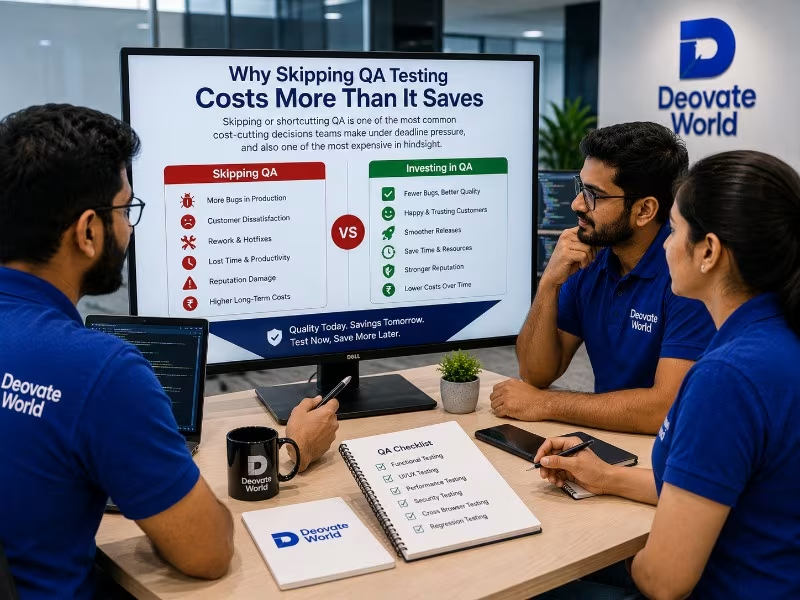
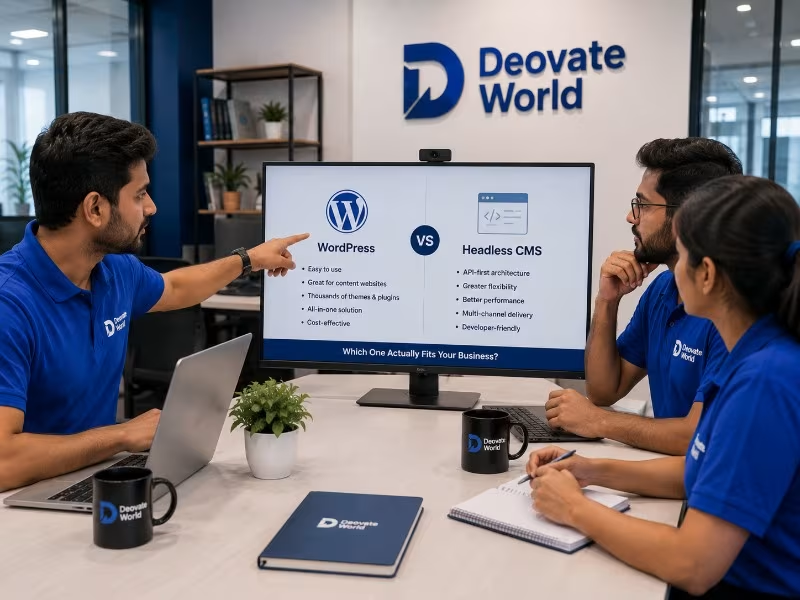
WordPress vs Headless CMS: Which One Actually Fits Your Business
Deovate World

WordPress vs Headless CMS: Which One Actually Fits Your Business

Rahul Mehta Rahul Mehta
Jun 22, 2026 4 min read 3166 views

This comparison comes up constantly among businesses planning a new website or reconsidering an existing one, and most explanations of it get too technical too quickly, diving into architecture diagrams before actually answering the business question underneath it: which one will make your team\'s life easier and your content genuinely more effective. This article answers that directly, in plain terms, before getting into the technical distinctions that actually matter for the decision.

What Each One Actually Is, in Plain Terms

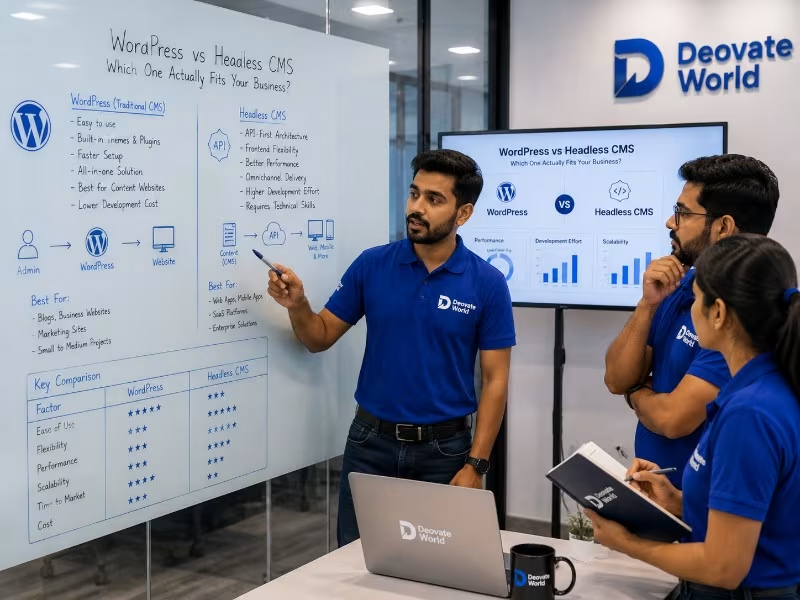
WordPress bundles your content and your website\'s visual presentation together in one system, you edit a page and see it live in roughly the same place, all managed within one familiar interface. A headless CMS separates the content entirely from how it gets presented, your content lives in one central hub, and it gets pushed out programmatically to a website, a mobile app, or any other channel that needs it, each with its own independently built front-end presentation layer.

When WordPress Is the Right Call

  • You have a single website and no immediate, concrete plans for a mobile app or other separate content channel
  • Your team wants a familiar, visual editing experience without needing developer support for every routine content change
  • You need access to a large, mature ecosystem of existing plugins for specific functionality without custom development

When a Headless CMS Is the Right Call

  • Your content genuinely needs to power more than one channel, a website and a mobile app, for example, from a single source
  • Your front-end needs to be built with a specific modern framework for performance, interactivity, or design flexibility reasons
  • You are planning meaningful growth into new digital channels over the next few years and want content architecture ready for that

Direct Comparison

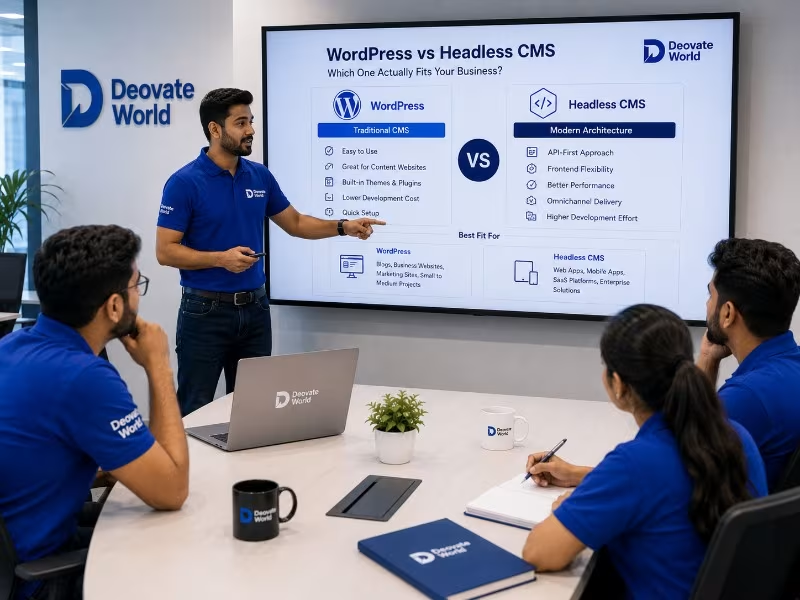
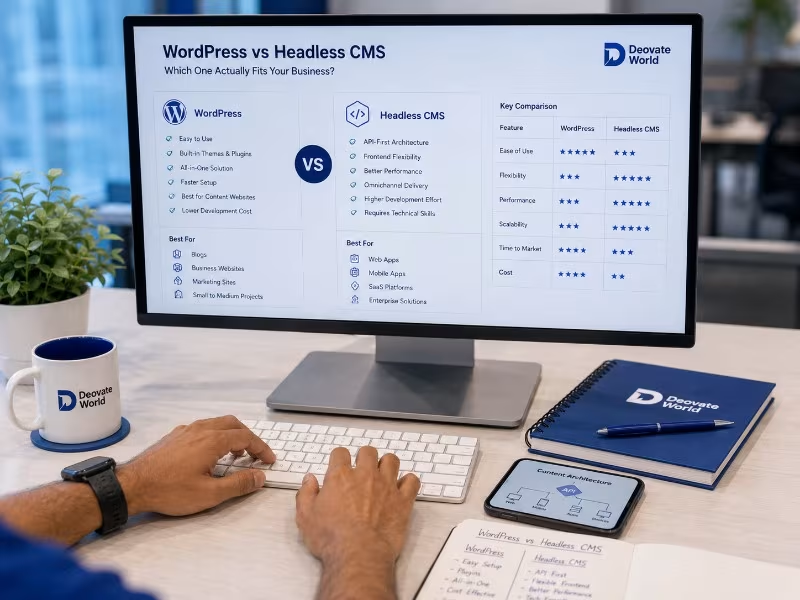
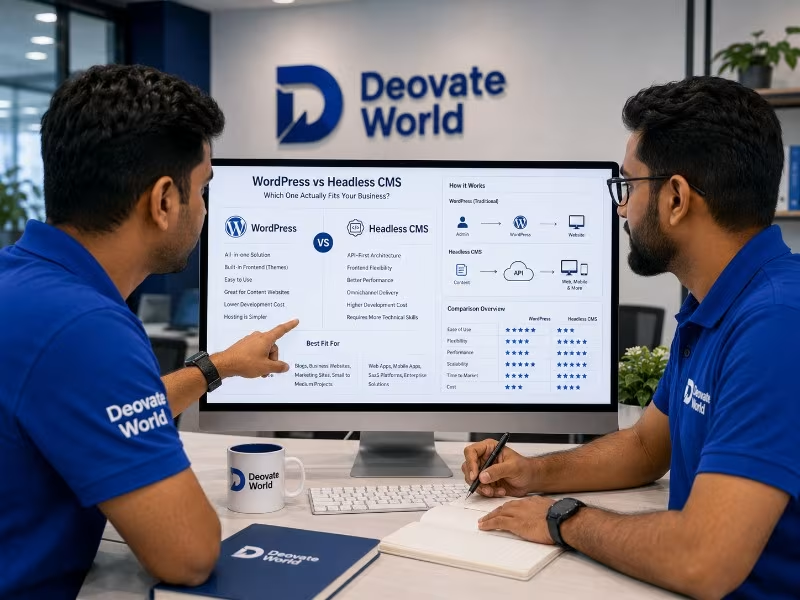
Factor WordPress Headless CMS
Ease of Use for Non-Technical Teams High Moderate, depends on setup
Multi-Channel Content Delivery Limited Built for this
Front-End Design Flexibility Good, within theme limits Very high, fully custom
Setup Complexity Low Higher, requires more initial development
Best For Single website, content-heavy sites Multi-channel products, custom front-ends

The Misconception That Headless Is Simply \"Better\"

A common misconception in technical circles is that headless architecture is a strict upgrade over traditional WordPress, more modern, more flexible, therefore inherently the smarter choice. This framing ignores the actual tradeoffs involved. Headless setups typically require more upfront development investment, a separate front-end build, custom integration between the content layer and the presentation layer, and often a steeper learning curve for content editors used to a more visual, WYSIWYG-style editing experience. For a business running a single, fairly standard website, that additional complexity buys real-world benefits it may never actually use.

What Content Teams Actually Feel Day to Day

The architectural decision matters less to most stakeholders than how it feels to actually use the system daily. WordPress content editors generally get a visual, page-builder-like experience close to what the published page will look like. Headless CMS editors typically work in a more structured, form-based interface, entering content into defined fields without seeing an exact visual preview unless the team has specifically built one. Neither is objectively better, but the mismatch between what a content team expects and what a chosen system actually delivers is a common, avoidable source of frustration after launch, so this is worth testing with actual content editors before committing to either path, not deciding purely on developer preference.

A Middle Ground Worth Knowing About

Some modern WordPress setups can function in a semi-headless way, using WordPress as the familiar content editing backend while a separate, faster front-end consumes that content through an API. This can offer a practical middle ground for teams who want the familiar editing experience their content team already knows, combined with more front-end flexibility than a traditional theme-based WordPress site typically allows. It is not the right fit for every situation, but it is worth knowing this option exists rather than assuming the choice is strictly binary.

The Honest Recommendation

If you are running a single, fairly standard website without concrete near-term plans for additional content channels, WordPress remains a genuinely strong, well-supported choice, not a compromise or a dated fallback. Reach for a headless CMS specifically when your content ambitions have genuinely outgrown a single channel, or when your design and performance requirements demand front-end flexibility a traditional theme cannot provide, not simply because headless sounds more modern in a conversation.

Final Thought

The right CMS choice should be driven by your actual content strategy over the next few years, not by which architecture happens to be trending in developer discussions. Start from your real distribution needs, and the right platform usually becomes obvious.
Gallery

Written by
Rahul Mehta
Rahul Mehta
Software Engineer & Blogger
Have a project in mind?

Let's talk about how we can help bring it to life.

Contact Us
Leave a Comment

Share your thoughts on this article

Comments are reviewed before they appear publicly.

0 Comments

Be the first to comment on this article.

More Articles

Brand Identity Mistakes That Are Quietly Costing You Trust

Brand Identity Mistakes That Are Quietly Costing You Trust

Most branding mistakes are not dramatic, they are small inconsistencies that quietly accum...

ERP vs CRM: What Growing Businesses Actually Need First

ERP vs CRM: What Growing Businesses Actually Need First

These two systems get confused constantly, and businesses often invest in the wrong one fi...

Why Skipping QA Testing Costs More Than It Saves

Why Skipping QA Testing Costs More Than It Saves

Skipping or shortcutting QA is one of the most common cost-cutting decisions teams make un...

Our Development Process

From Vision to Digital Success

Every project we take on moves through the same four stages, not because we lack flexibility, but because skipping steps is exactly how good ideas turn into messy builds. Here's what that looks like in practice.

01 Discovery
02 Planning
03 Development
04 Launch
Deovate/process
Trusted by Businesses Worldwide

What Our Clients Say

Discover how our technology solutions have helped businesses innovate, grow, and achieve lasting success through trusted partnerships and measurable results.

Deovate/reviews
Start Your Digital Journey

Let's Build Something Exceptional

You've seen how we think and how we work. Here's where it turns into your project.

You've read about how we think, who leads the work, and what a project with us
actually looks like day to day. The next step is simple: tell us what you're building, and we'll tell
you honestly whether we're the right fit - and if we are, exactly what that plan looks like.

Start Your Project
FAQs

Frequently Asked Questions

Still have a question after reading about our team and process? Here are the ones people ask most.

Deovate

FAQs

Quick answers to common questions

What's the actual business question underneath the WordPress versus headless CMS debate?

Whether you need to publish the same content across multiple platforms - a website, a mobile app, other digital surfaces - from one single source, or whether you just need a strong, flexible website. If it's the latter, which covers most businesses, WordPress handles that well without the added complexity headless architecture introduces. The debate gets overcomplicated because headless is a genuinely powerful solution to a specific problem that most businesses don't actually have.

Is headless CMS just objectively more modern and therefore better?

No, 'more modern' doesn't automatically mean 'better fit for your situation.' Headless architecture solves a real, specific problem - decoupling content from how it's displayed, so it can feed multiple different front-ends - but that flexibility comes with added technical complexity and cost that only pays off if you actually need to publish across multiple platforms. For a standard business website, that added complexity is often pure overhead with no real benefit.

What does a business actually lose by choosing WordPress over headless?

Mainly the flexibility to easily push the same content to a mobile app or other digital surface without extra development work, since WordPress is more tightly coupled to how it displays content on a traditional website. If that flexibility genuinely isn't something your business needs right now or in the foreseeable future, you're not really losing anything meaningful by choosing the simpler, more widely supported option.

Is WordPress considered a legacy or outdated technology at this point?

No, that's a common misconception. WordPress continues to be actively developed, widely supported, and used by a significant share of the web, precisely because it does what most businesses actually need well. 'Older' isn't the same as 'outdated' when the underlying platform keeps evolving and remains well-maintained - the real question is fit for your use case, not how new or trendy the technology sounds.

How much more expensive is a headless CMS setup compared to WordPress, roughly?

Meaningfully more, generally, since headless requires building a separate front-end application to actually display the content, along with more involved ongoing technical maintenance for two connected systems instead of one unified one. This additional cost is exactly why we recommend it only when a business has a genuine, specific need for the flexibility it provides, rather than choosing it by default because it sounds more advanced.

If my business grows and needs a mobile app later, should I choose headless now to prepare for that?

Not necessarily - it depends on how likely and how soon that expansion genuinely is. Building for a hypothetical future need that may not materialize for years adds real cost and complexity today for a benefit that might never actually get used. If a mobile app or multi-platform expansion is a concrete, near-term plan rather than a distant possibility, that changes the calculation meaningfully in headless's favor.

Can WordPress sites be secure enough for a serious business, or is that a real limitation?

Yes, WordPress can absolutely be secure enough for serious business use when properly configured and maintained - most security issues associated with WordPress stem from outdated plugins or weak hosting, not an inherent flaw in the platform itself. This is a common misconception that gets used to push businesses toward headless when the actual issue was maintenance practices, not the underlying CMS choice.

Does switching from WordPress to headless later cause major disruption if a business does eventually need it?

It's a real migration project, not a quick toggle, so it does require planning - content needs restructuring, a new front-end needs building, and redirects need managing to protect SEO. It's a meaningful undertaking, but not an insurmountable one if the business genuinely has a clear need driving the switch. Starting with WordPress doesn't lock you out of moving to headless later if your actual needs evolve in that direction.

How do I decide this for my specific business rather than going with a general recommendation?

Map out concretely where your content actually needs to appear right now and in the realistically near future - just a website, or a website plus an app or other platforms too. That concrete answer, more than any general opinion about which technology is 'better,' is what should actually drive the decision for your specific situation.

What's the realistic first step if I'm still unsure which direction fits my business?

Tell us what you're actually trying to publish and where - just a website, or content that needs to reach multiple platforms - along with your team's technical capacity to manage a more complex setup if needed. From there we can give you an honest recommendation based on your specific situation, not a generic preference for one technology over the other.

Deovate

Get In Touch

We'd love to hear about your project

Please enter your name.
Please enter a valid email.
Please enter a valid phone number.
Please enter a subject.
Please enter a message.

Thanks! Your message has been noted.

Book a Meeting