The Mobile App Testing Checklist Most Teams Skip Half Of
Deovate World

The Mobile App Testing Checklist Most Teams Skip Half Of

Pooja Kulkarni Pooja Kulkarni
Jun 08, 2026 4 min read 2825 views

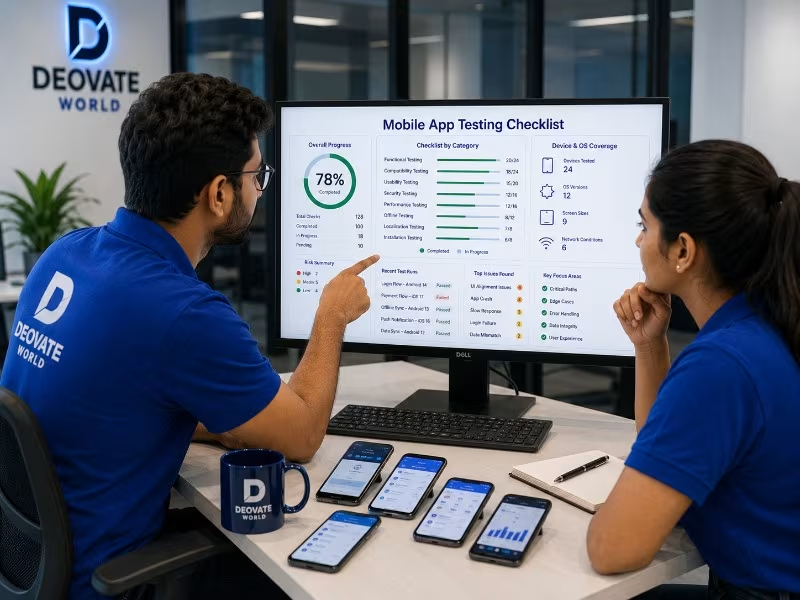
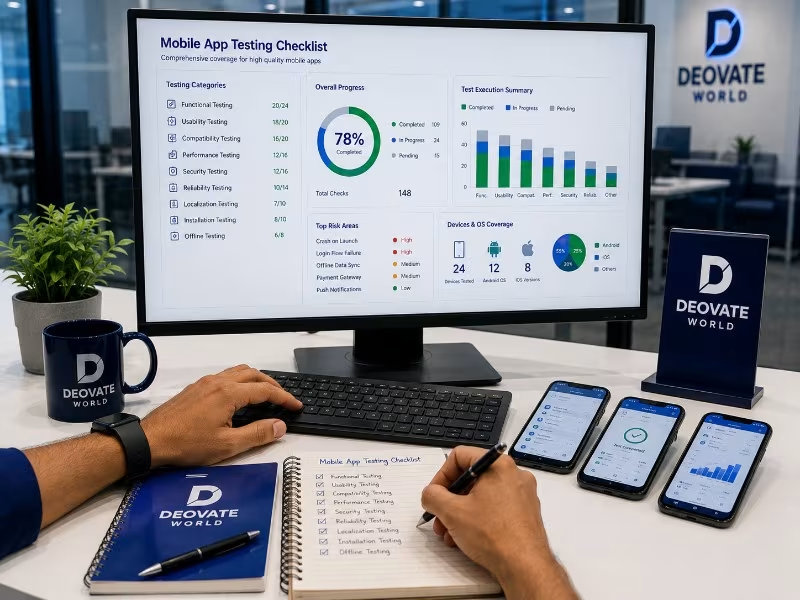
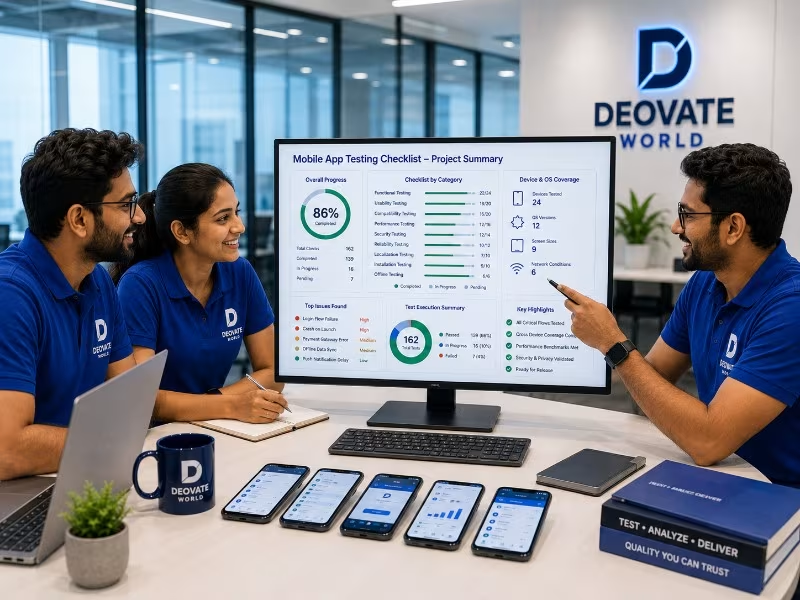
Most mobile app testing quietly happens on one phone, the developer\'s own device, on a fast, stable office wifi connection, which is precisely the environment least representative of how most real users will actually experience the app. This gap between how apps get tested and how they get used is where a large share of one-star reviews originate, not from fundamentally broken features, but from an app that was only ever validated under ideal, unrepresentative conditions.

Why Device Diversity Actually Matters

Android alone spans an enormous range of manufacturers, screen sizes, operating system versions, and hardware capabilities, and a feature that behaves perfectly on a recent flagship device can behave noticeably differently on a mid-range or older phone still actively used by a meaningful share of any real user base. iOS has less device fragmentation but still spans several actively used OS versions and screen sizes, each of which can surface layout or performance issues invisible on the newest device with the newest OS installed.

The Checklist Categories Most Teams Under-Test

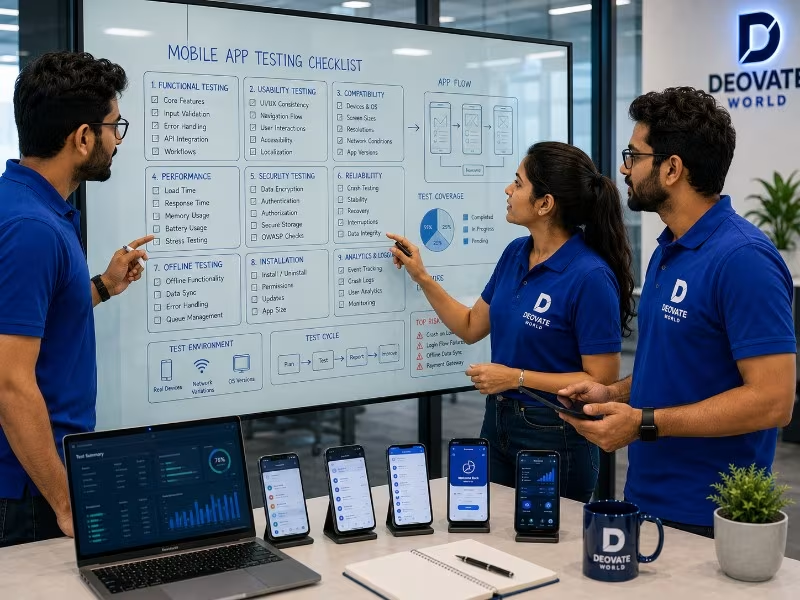
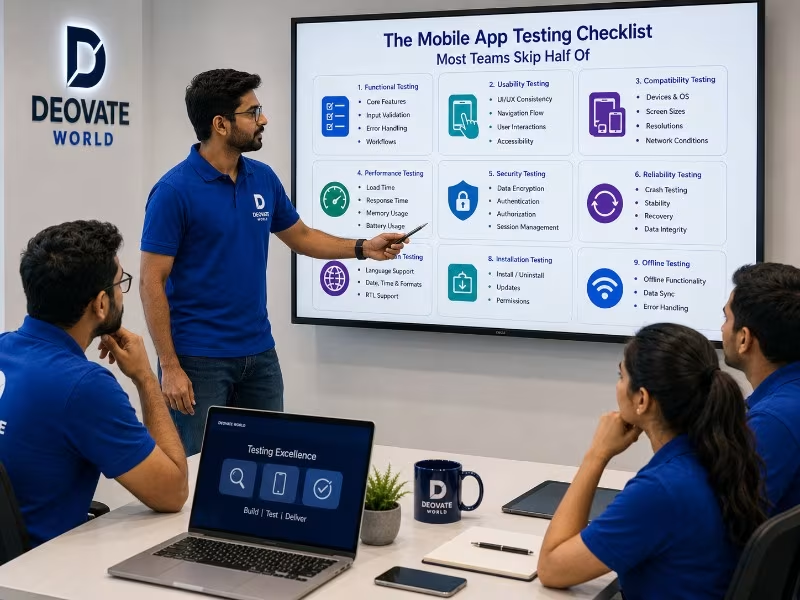
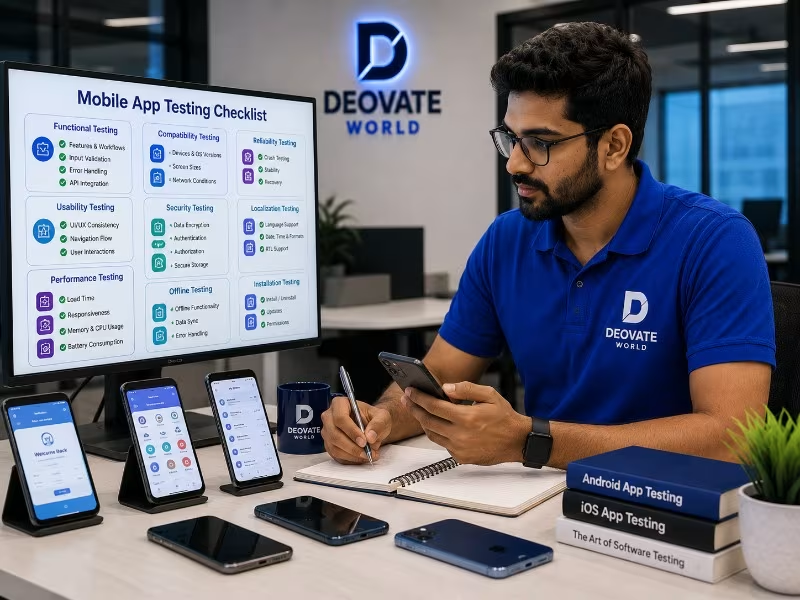
  1. Network conditions. Testing exclusively on fast wifi hides how the app behaves on slow mobile data, intermittent connectivity, or a connection that drops mid-request, which is a common real-world scenario for mobile users.
  2. Interruptions. Incoming calls, notifications, low battery warnings, and app-switching mid-task all need to be tested, since these interruptions happen constantly in real usage and can leave an app in an unexpected state.
  3. Permissions handling. What happens when a user denies camera, location, or notification permissions, does the app degrade gracefully or does it break in a confusing way.
  4. Background and resume behavior. Does the app correctly restore its state when a user switches away and back, or does it lose progress and force them to start over.
  5. Storage and memory constraints. Older or budget devices with limited storage and memory can behave very differently under load than a well-resourced test device.
  6. App store update behavior. Testing the actual upgrade path from an older installed version, not just fresh installs, since existing users experience updates, not clean installs.

Device and Scenario Coverage Table

Test Category Commonly Skipped Because Real-World Risk
Low-end device performance Team only owns newer devices Slow or crashing app for a real user segment
Poor network conditions Office wifi is always fast Failed requests with no graceful handling
Interrupted sessions Rarely happens during a quick test Lost user progress, frustrated re-entry
Permission denial flows Testers usually accept all permissions Confusing dead ends for privacy-conscious users
Update path from old version Testing usually uses fresh installs Broken experience for existing user base

Why Real Device Labs Matter More Than Simulators

Simulators and emulators are genuinely useful for fast iteration during development, but they do not perfectly replicate real hardware behavior, particularly around performance under load, camera and sensor behavior, and how the operating system manages memory and background processes on an actual device. A thorough pre-release testing pass should include a spread of real physical devices, spanning different manufacturers, OS versions, and price tiers, not exclusively simulator-based testing, since the gap between simulated and real-device behavior is exactly where certain classes of bugs hide.

App Store Review Signals Worth Reading Carefully

Once an app is live, one-star reviews mentioning crashes, slowness, or specific broken features are a direct, if unpleasant, source of real-world QA data that no internal testing process fully replaces. Reading these reviews carefully, looking for patterns around specific device models, OS versions, or usage scenarios mentioned repeatedly, often reveals exactly the blind spots that internal testing missed, and should feed directly back into the testing checklist for future releases rather than being treated purely as reputation management.

Building This Into an Ongoing Process

None of this needs to happen manually and exhaustively for every single release. Automated testing frameworks can run core scenarios across a matrix of device and OS combinations without requiring a human tester to manually work through each one every time, reserving manual exploratory testing for new features and genuinely novel scenarios. The goal is building a testing process proportional to actual risk and real device usage data, not testing every possible combination exhaustively forever, which quickly becomes impractical and gets abandoned under time pressure.

Final Thought

An app that only gets tested on the newest flagship device with perfect connectivity is being validated against a version of reality most of its actual users do not live in. Closing that gap, deliberately testing under realistic, imperfect conditions, is one of the highest-leverage investments a mobile team can make in overall app store rating and long-term user retention.

Gallery

Written by
Pooja Kulkarni
Pooja Kulkarni
Healthcare Content Writer
Have a project in mind?

Let's talk about how we can help bring it to life.

Contact Us
Leave a Comment

Share your thoughts on this article

Comments are reviewed before they appear publicly.

0 Comments

Be the first to comment on this article.

More Articles

Brand Identity Mistakes That Are Quietly Costing You Trust

Brand Identity Mistakes That Are Quietly Costing You Trust

Most branding mistakes are not dramatic, they are small inconsistencies that quietly accum...

ERP vs CRM: What Growing Businesses Actually Need First

ERP vs CRM: What Growing Businesses Actually Need First

These two systems get confused constantly, and businesses often invest in the wrong one fi...

Why Skipping QA Testing Costs More Than It Saves

Why Skipping QA Testing Costs More Than It Saves

Skipping or shortcutting QA is one of the most common cost-cutting decisions teams make un...

Our Development Process

From Vision to Digital Success

Every project we take on moves through the same four stages, not because we lack flexibility, but because skipping steps is exactly how good ideas turn into messy builds. Here's what that looks like in practice.

01 Discovery
02 Planning
03 Development
04 Launch
Deovate/process
Trusted by Businesses Worldwide

What Our Clients Say

Discover how our technology solutions have helped businesses innovate, grow, and achieve lasting success through trusted partnerships and measurable results.

Deovate/reviews
Start Your Digital Journey

Let's Build Something Exceptional

You've seen how we think and how we work. Here's where it turns into your project.

You've read about how we think, who leads the work, and what a project with us
actually looks like day to day. The next step is simple: tell us what you're building, and we'll tell
you honestly whether we're the right fit - and if we are, exactly what that plan looks like.

Start Your Project
FAQs

Frequently Asked Questions

Still have a question after reading about our team and process? Here are the ones people ask most.

Deovate

FAQs

Quick answers to common questions

Why is testing only on the developer's own phone and office wifi actually a real problem?

Because it tests the best-case scenario, not the conditions most real users are actually in - a high-end phone on fast, stable wifi hides performance issues, battery drain, and network handling problems that show up immediately on an older device with a weaker signal. A meaningful share of real users are on exactly those less-ideal conditions, so testing that never accounts for them is effectively skipping the scenarios most likely to reveal actual bugs.

What device and network conditions should actually be part of a thorough mobile testing checklist?

A range of device ages and screen sizes, not just the newest flagship phone, along with testing under weaker network conditions - slow 3G or spotty connectivity, not just strong wifi - since that's a realistic condition for a large share of mobile users, especially outside major cities. Testing app behavior when the network drops mid-action entirely is also worth including, since that's a common real-world scenario that's easy to overlook in a controlled testing environment.

Is battery and background behavior testing really necessary, or is that overkill for most apps?

It's worth including for most apps, not just resource-heavy ones, since users notice and complain about battery drain quickly, and it can directly affect app store ratings and reviews. Background behavior - what happens when the app is interrupted by a call, backgrounded, or the device sleeps - also needs specific testing, since these interruption scenarios happen constantly in real usage but are easy to skip in a straightforward, uninterrupted test pass.

How important is testing app behavior after an interrupted or failed update?

More important than it usually gets credit for, since a failed or interrupted update - due to a dropped connection or low storage - can leave an app in a broken or inconsistent state if this scenario hasn't been specifically tested and handled. Users who hit this edge case and can't recover without reinstalling tend to leave a frustrated review rather than simply retrying, which makes this a disproportionately costly gap to leave untested.

Do different phone manufacturers' customizations to Android actually cause real testing headaches?

Yes, genuinely - manufacturer-specific customizations to Android can affect notification behavior, background app handling, and even how certain UI elements render, in ways that don't show up at all on a stock Android emulator or a single test device. This is exactly why testing across a reasonable range of actual devices, not just one, catches issues that a narrower testing approach misses entirely.

What's a testing scenario that's easy to forget but causes real user frustration when it's missed?

Permission handling - what happens when a user denies camera, location, or notification access, whether the app degrades gracefully or breaks outright - is a commonly overlooked scenario, since developers testing their own app usually grant every permission by default without thinking twice. Real users decline permissions fairly often, and an app that crashes or behaves unpredictably when a permission is denied creates a frustrating first impression.

How do you actually test across many device types without owning every physical phone?

A mix of real devices for the most common and highest-priority combinations, supplemented by device farm or cloud testing services for broader coverage, tends to be the practical answer, since owning every physical device that exists genuinely isn't realistic for most teams. Real devices matter most for anything involving touch interaction, camera, or performance feel; emulators can reasonably cover broader, lower-priority screen-size testing.

Should app store review guidelines factor into the testing checklist itself?

Yes, since certain rejection reasons - crashes on specific devices, incomplete permission explanations, broken core functionality - are avoidable with thorough testing before submission. Catching these issues before the app store review catches them saves a real delay in getting updates or the initial app live, which matters especially around planned launch dates. A rejected submission often means a multi-day resubmission cycle, so testing against the exact scenarios reviewers commonly check is worth treating as part of the release checklist itself, not a separate afterthought.

How do you prioritize testing scope when there genuinely isn't time to test every possible scenario?

Prioritize based on how many real users are likely affected and how severe the consequence is if the scenario goes untested - core flows like sign-up, payment, or the primary feature of the app get the most thorough coverage, while rare edge cases affecting few users get a lighter pass. This is a more honest, effective approach than either skipping testing broadly or claiming full coverage that time genuinely didn't allow for.

What's the realistic first step for a team that wants to actually close these testing gaps?

Start with an honest audit of what your current testing process actually covers versus what it's been quietly skipping - device variety, network conditions, interrupted states, permission handling - and prioritize adding coverage for whichever gaps carry the highest real-world risk for your specific app first, rather than trying to build an exhaustive checklist from scratch all at once.

Deovate

Get In Touch

We'd love to hear about your project

Please enter your name.
Please enter a valid email.
Please enter a valid phone number.
Please enter a subject.
Please enter a message.

Thanks! Your message has been noted.

Book a Meeting