CMS Development | Deovate
Deovate World

CMS Development

Deovate/services/cms-development
CMS Development

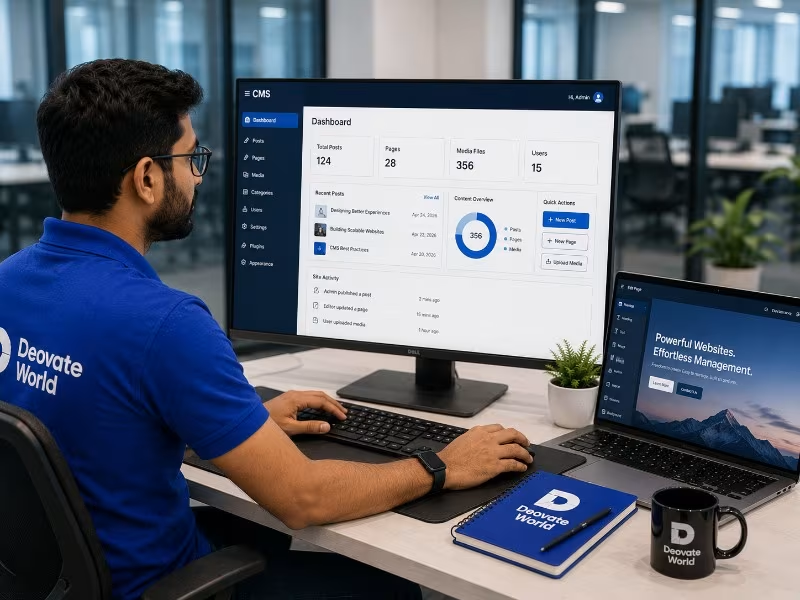
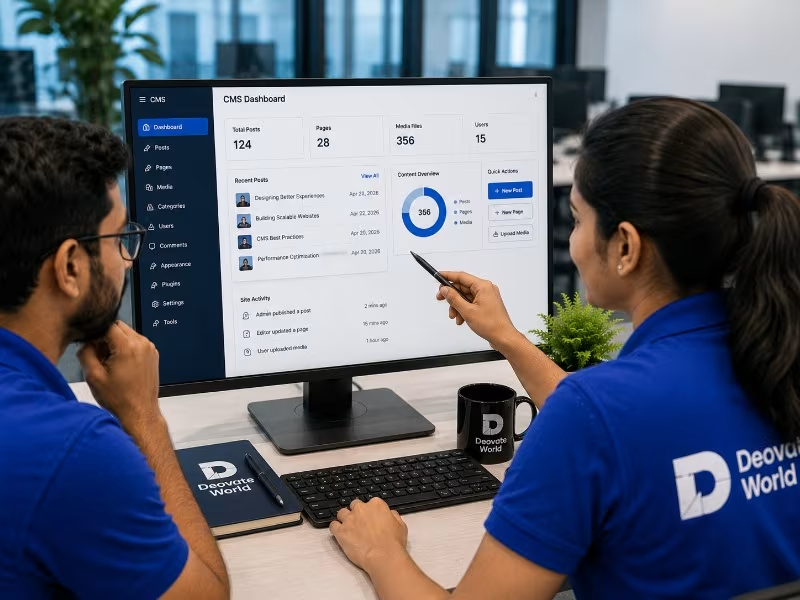
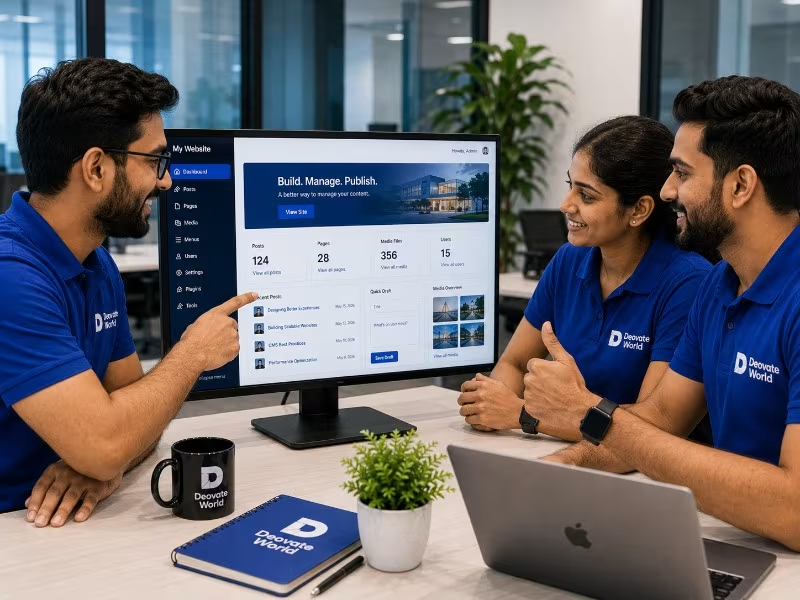
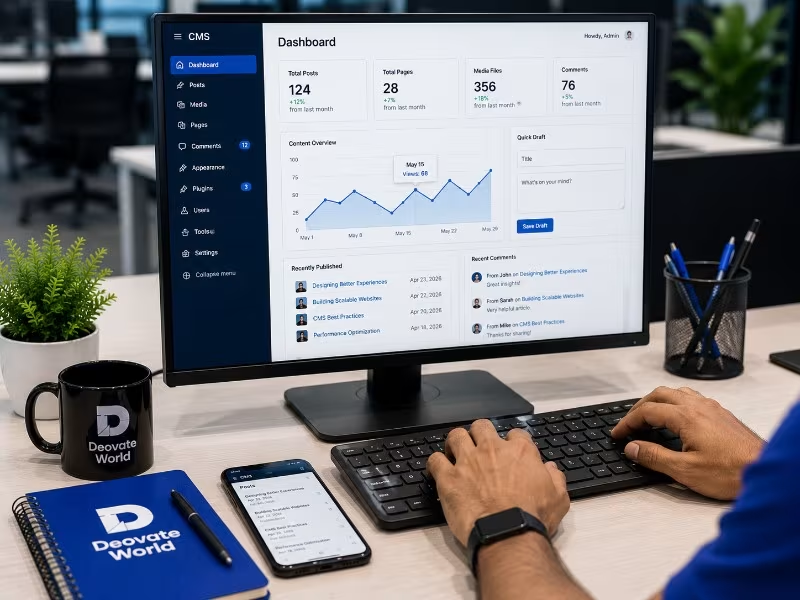
Your content should not require a developer every single time it needs to change. We build content management systems that give your team real independence over pages, blog posts, and product listings, without sacrificing design consistency or site performance in the process.

Why Businesses Need This

Businesses that rely on a developer for every content change end up publishing less often, because the friction of asking, waiting, and paying for small updates adds up. A properly built CMS removes that bottleneck entirely, putting control back in the hands of the people who actually create the content.

Key Benefits

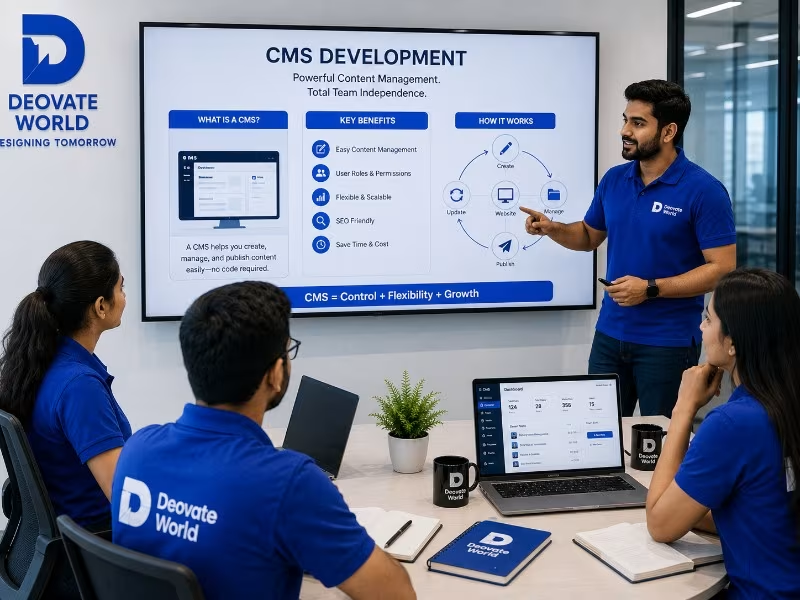
  • Publish and update content without waiting on a developer
  • A consistent design that does not break no matter who is editing it
  • Faster content publishing, which matters directly for SEO and marketing
  • Role-based access so the right people can edit the right sections
  • A platform that can grow from a simple site into a full content operation

Tools & Technologies We Use

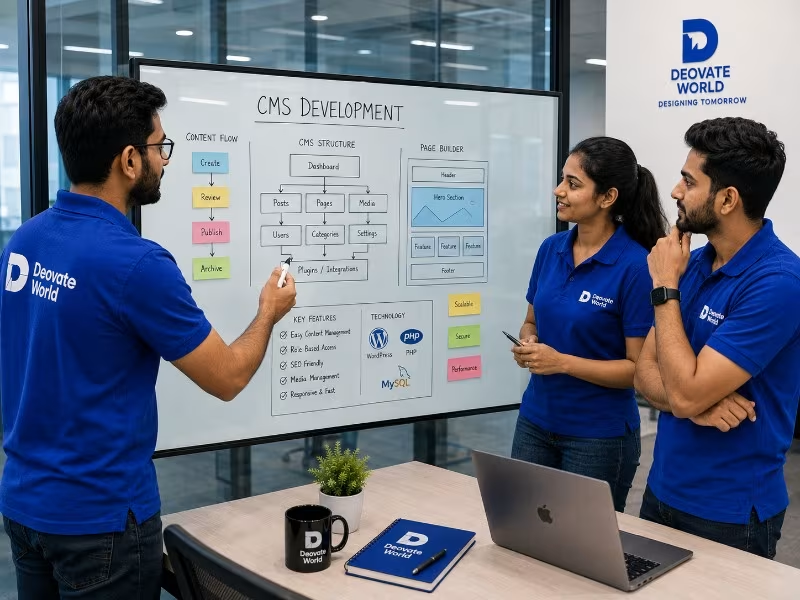
WordPress, Webflow, Strapi and other headless CMS platforms, and custom-built admin panels for fully bespoke content needs.

Gallery

CMS Development

Service Overview

9
views
Get a Free Quote +91-99141-56467

Service Features

A closer look at everything included with CMS Development — explore each capability in detail.

Deovate/services/cms-development#features

Problem & Solution

The real challenges businesses face with CMS Development — and exactly how we solve them.

Problem & Solution — Coming Soon

We're putting the finishing touches on this. Check back shortly.

Our Development Process

From Vision to Digital Success

Every project we take on moves through the same four stages, not because we lack flexibility, but because skipping steps is exactly how good ideas turn into messy builds. Here's what that looks like in practice.

01 Discovery
02 Planning
03 Development
04 Launch
Deovate/process
Trusted by Businesses Worldwide

What Our Clients Say

Discover how our technology solutions have helped businesses innovate, grow, and achieve lasting success through trusted partnerships and measurable results.

Deovate/reviews
Start Your Digital Journey

Let's Build Something Exceptional

You've seen how we think and how we work. Here's where it turns into your project.

You've read about how we think, who leads the work, and what a project with us
actually looks like day to day. The next step is simple: tell us what you're building, and we'll tell
you honestly whether we're the right fit - and if we are, exactly what that plan looks like.

Start Your Project
FAQs

Frequently Asked Questions

Still have a question after reading about our team and process? Here are the ones people ask most.

Deovate

FAQs

Quick answers to common questions

Which CMS is actually best for my business - WordPress, or something else?

Depends on your content complexity and team. WordPress fits most standard business sites well - it's flexible, widely supported, and your team can usually learn it quickly. A headless CMS makes more sense if you're publishing across multiple platforms - a website, a mobile app, other digital touchpoints - from a single content source. We'll ask about how you actually plan to use and manage content before recommending a platform, rather than defaulting to whichever CMS is fastest for us to set up.

Can you train our team to actually use the CMS after it's built?

Yes, every CMS project includes a walkthrough session so your team feels confident managing content - publishing posts, updating pages, organizing media - independently from day one, rather than calling us for routine tasks that should be simple. We'll also leave you with documentation specific to your setup, not a generic CMS manual that doesn't reflect the custom structure we've built for your site. If new team members join later and need a refresher, that's something we're happy to help with too.

Is WordPress actually secure enough for a real business website?

Yes, when it's configured and maintained correctly. Most WordPress security issues stem from outdated plugins, weak hosting, or default configurations that were never hardened, not some inherent flaw in WordPress itself. We address these directly during setup - keeping the plugin footprint minimal, choosing quality hosting, and setting up regular updates - rather than treating security as an afterthought. A well-maintained WordPress site is genuinely secure; a neglected one, on any platform, becomes a risk over time.

Do you build custom themes, or do you use pre-made ones?

We typically build custom themes tailored to your specific design and content structure, rather than starting from a pre-made theme that forces your content into someone else's layout decisions. Pre-made themes can work for very simple sites on tight budgets, and we won't push a custom build if a well-chosen existing theme genuinely fits your needs and budget. But for anything with specific brand requirements or unusual content types, custom is almost always the better long-term investment.

What happens if a plugin breaks or becomes outdated over time?

We keep the plugin footprint intentionally minimal from the start, since every additional plugin is another thing that can break, conflict, or go unmaintained by its original developer. If a plugin does become outdated or gets abandoned, we'll flag it during regular maintenance and recommend a replacement before it becomes a security risk or breaks compatibility with a core update. This is exactly the kind of thing an ongoing maintenance plan is designed to catch before it becomes a bigger problem.

Can we add new page types or content structures ourselves later, or do we need a developer?

Depends on the type of change. Adding new blog posts, pages using existing templates, or media is something your team handles directly without needing us. Creating an entirely new content type - a different kind of page structure with its own custom fields - usually does need development work, since it involves building the underlying structure, not just entering content. We'll be clear about that distinction so you know what's self-serve versus what needs a developer.

How do you handle CMS migrations from one platform to another?

We map your existing content structure carefully before migrating - pages, posts, media, custom fields - so nothing gets flattened or lost in the move to a new platform. This also includes setting up proper redirects from old URLs to their new equivalents, since losing that during a migration can quietly damage search rankings you've already built. We validate the migrated content against the original before considering the migration complete, not just a rough visual check.

Is a headless CMS overkill for a normal business website?

Often, yes, honestly. A headless CMS adds real complexity - a separate front-end build, more technical maintenance - that only pays off when you genuinely need to publish the same content across multiple platforms or need very specific front-end flexibility that a traditional CMS can't provide. For most standard business websites, a traditional CMS like WordPress does the job with far less overhead. We'll recommend headless only when your actual use case justifies the added complexity, not because it's a trendier approach.

How do you keep the CMS admin area from becoming confusing for non-technical staff?

We structure the admin interface around how your team actually thinks about your content, not the CMS's generic default layout - clear labels, sensible field groupings, and hiding technical settings your day-to-day content editors don't need to touch. A CMS that's technically powerful but confusing to use daily ends up underused or misused, which defeats the purpose. Part of our training session specifically covers walking through the interface the way your team will actually use it, not a generic tour of every feature.

What's the first step if we want to start a CMS project?

Tell us how your team plans to manage content day to day - who's publishing, how often, what kinds of content beyond basic pages and posts. That shapes which platform and structure actually fits, more than the technical specifics do. From there we can recommend a CMS, outline a realistic timeline, and be clear about what training and documentation you'll get at the end.

Deovate

Get In Touch

We'd love to hear about your project

Please enter your name.
Please enter a valid email.
Please enter a valid phone number.
Please enter a subject.
Please enter a message.

Thanks! Your message has been noted.

Book a Meeting